
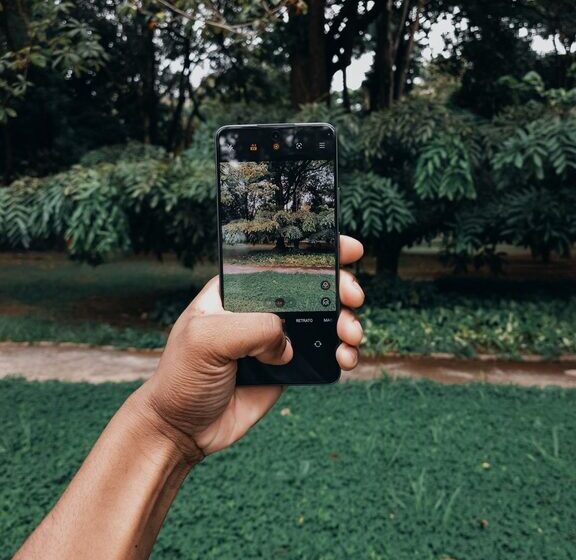

Taking great photos with your phone is more achievable than ever. With advances in smartphone camera technology, anyone can capture beautiful images without needing expensive equipment. Whether you’re new to photography or just looking to improve your phone pictures, these beginner tips will help you take better photos and make the most of your mobile device.
Understand Your Phone Camera Features
Before snapping your next photo, take some time to explore the camera app on your phone. Most smartphones have features like:
– HDR (High Dynamic Range): Balances light and dark areas for more detail.
– Grid lines: Helps with composition using the “Rule of Thirds.”
– Focus and Exposure controls: Allows you to adjust what’s sharp and how bright the photo is.
– Portrait mode: Blurs the background to highlight your subject.
Knowing what your camera can do helps you use it more intentionally.
Keep Your Lens Clean
It might sound simple, but cleaning your phone lens regularly has a huge impact on image clarity. Fingerprints, dust, and smudges can cause blurry or hazy photos. Use a soft microfiber cloth to gently wipe the lens before taking pictures.
Use Natural Light Whenever Possible
Lighting is one of the most important factors in photography. Whenever you can, use natural light instead of the phone’s flash.
– Take photos during the golden hours (early morning or late afternoon) for warm, soft light.
– Avoid harsh midday sun which can create strong shadows.
– If indoors, try to position your subject near a window or another natural light source.
Natural light tends to produce more flattering and true-to-color images.
Keep Your Phone Steady
Shaky hands can cause blurry photos. To keep your phone steady:
– Hold it with both hands.
– Tuck your elbows close to your body.
– Lean against a stable surface if possible.
– Use a small tripod or phone stand for more stability.
– Alternatively, use the phone’s timer or volume button to avoid tapping the screen.
These methods reduce camera shake and produce sharper images.
Learn Basic Composition Techniques
Composition refers to how elements are arranged in a photo. Here are some easy ways to improve it:
– Rule of Thirds: Turn on grid lines and place key subjects along these lines or their intersections.
– Leading Lines: Use roads, paths, or fences to guide the viewer’s eye through the image.
– Framing: Use doorways, trees, or windows to frame your subject.
– Symmetry and Patterns: Look for balanced or repeating elements for visually pleasing photos.
– Simplify: Remove distracting clutter to keep focus on your main subject.
Experiment with different angles and perspectives to make your photos more interesting.
Focus and Exposure Adjustments
Most phone cameras let you tap the screen to set focus. Tap on your subject to ensure it’s sharp. You can often adjust exposure (brightness) by sliding your finger up or down after tapping.
For tricky lighting, lock the focus and exposure by holding your finger on the screen until you see “AE/AF Lock” or similar. This stops the camera from constantly readjusting and helps maintain consistent settings.
Avoid Using Digital Zoom
Digital zoom reduces image quality because it crops and enlarges the picture. Instead:
– Get physically closer to your subject.
– Crop the photo later using your phone’s editing tools.
– Or use optical zoom if your phone offers it (it uses lenses rather than software).
This keeps your photos sharper and clearer.
Experiment with Editing Apps
Editing can enhance your photos after you take them. Many phones come with built-in editors, but you can also find free apps like Snapseed, VSCO, or Lightroom Mobile.
Start with small adjustments like:
– Cropping and straightening.
– Adjusting brightness, contrast, and saturation.
– Applying filters sparingly to keep photos natural.
– Removing small blemishes or distractions.
Editing helps you bring out the best in your photos without overdoing it.
Practice and Be Patient
The more photos you take, the better you’ll get. Try shooting in different lighting conditions, subjects, and settings. Review your photos and think about what you like or what could be improved.
Don’t be discouraged if your early shots aren’t perfect. Photography is a skill that grows with practice.
Conclusion
Improving your phone photography doesn’t require fancy gear or advanced skills. By learning your camera’s features, paying attention to lighting and composition, keeping steady, and practicing regularly, you can take better photos that you’ll be proud to share. So grab your phone, get outside, and start capturing your world in a whole new way!